Write rules pages
The rules pages teach players the game. They work the same in every framework major.
1. Outline the pages
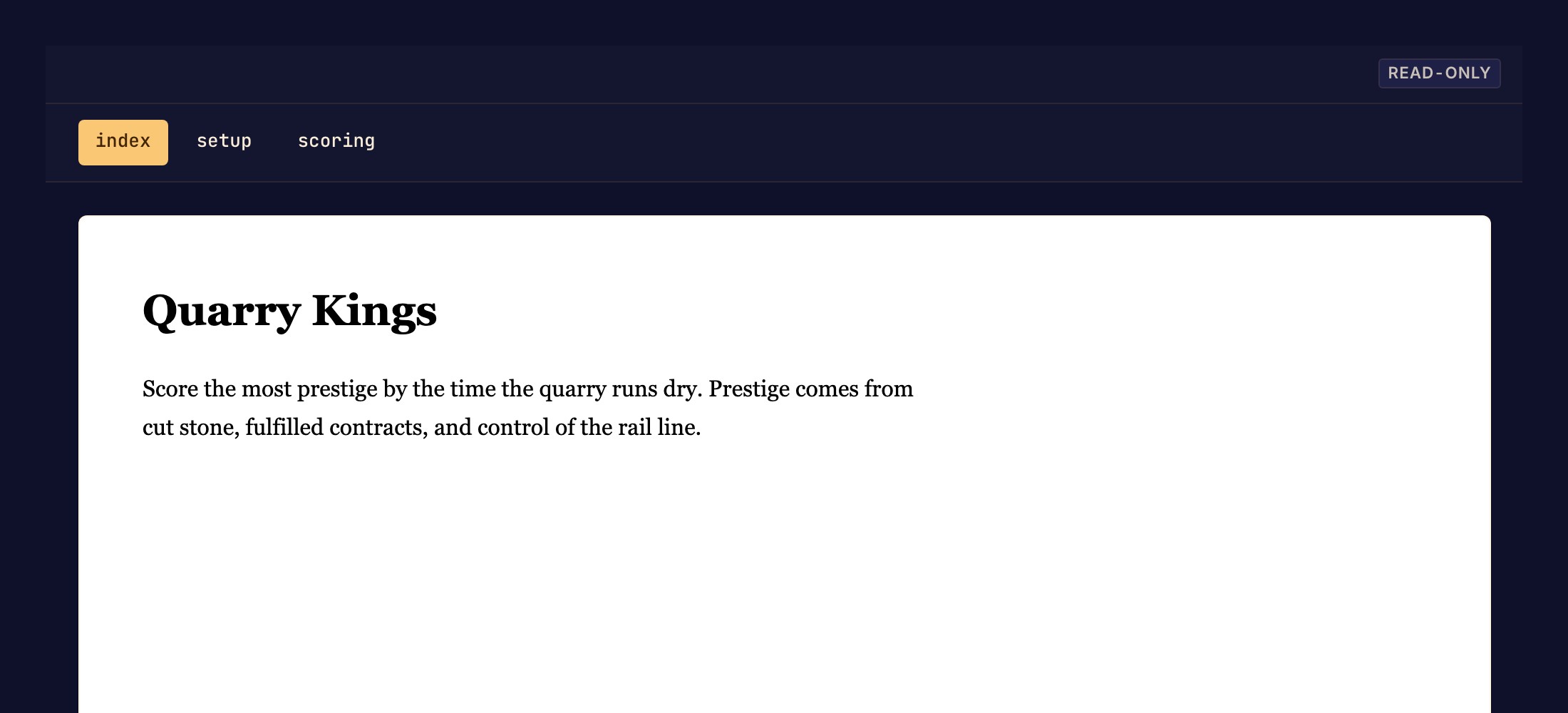
Start with /src/rules/index.bwss, the first page players see. Plan where players find the goal, the setup, a turn and the end of the game. Give each other page one job, and link to every page from index: players reach a page only through a link you write.
2. Write and illustrate the pages
Write each page with write_file, one JSON node per file, in the Rules page format. Style it with BWSS styles and the colors of the game theme. Upload each image with upload_art before a page names its key.
3. Check the pages
Run validate_code until it reports no page errors. Follow every page and #id link by hand: validate_code does not check that a link reaches a page or an id. In the studio's Rules preview, read the pages at a wide and a phone width.
4. Commit
Check each page against the game's behavior, then call commit. A page that does not compile refuses the commit with RULES_COMPILE_FAILED.