Write a game page
The game page is the game's public page. It tells a visitor what the game is and leads to the rules and to play. It works the same in every framework major.
1. Plan the page
Read the game's name, description, mood and voice with get_game, and read /theme.json. Decide the premise, a short account of how play goes, and where the Play and Rules buttons go.
2. Build the page
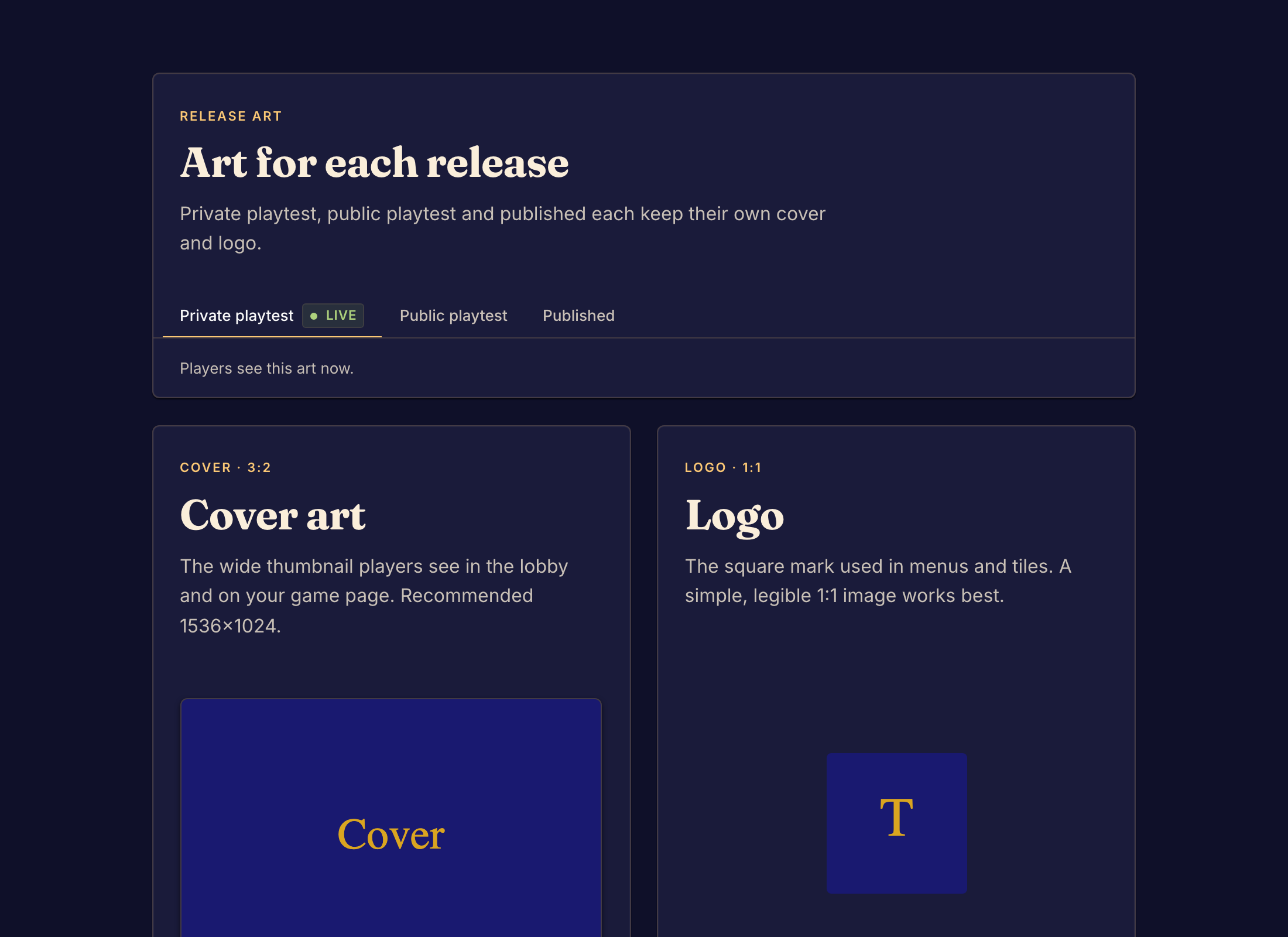
Write /src/marketing/index.bwss in the Game page format. Upload each image the page shows with upload_art. Upload the cover and the logo with upload_marketing_image: Boardweaver shows them on game cards and in the lobby, and a page cannot show them.
3. Check and commit
Run validate_code until it reports no page errors. Follow every link by hand. In the studio, open the page at a phone and a desktop width, in light and dark mode. Then call commit. A page that does not compile refuses the commit with MARKETING_COMPILE_FAILED.